




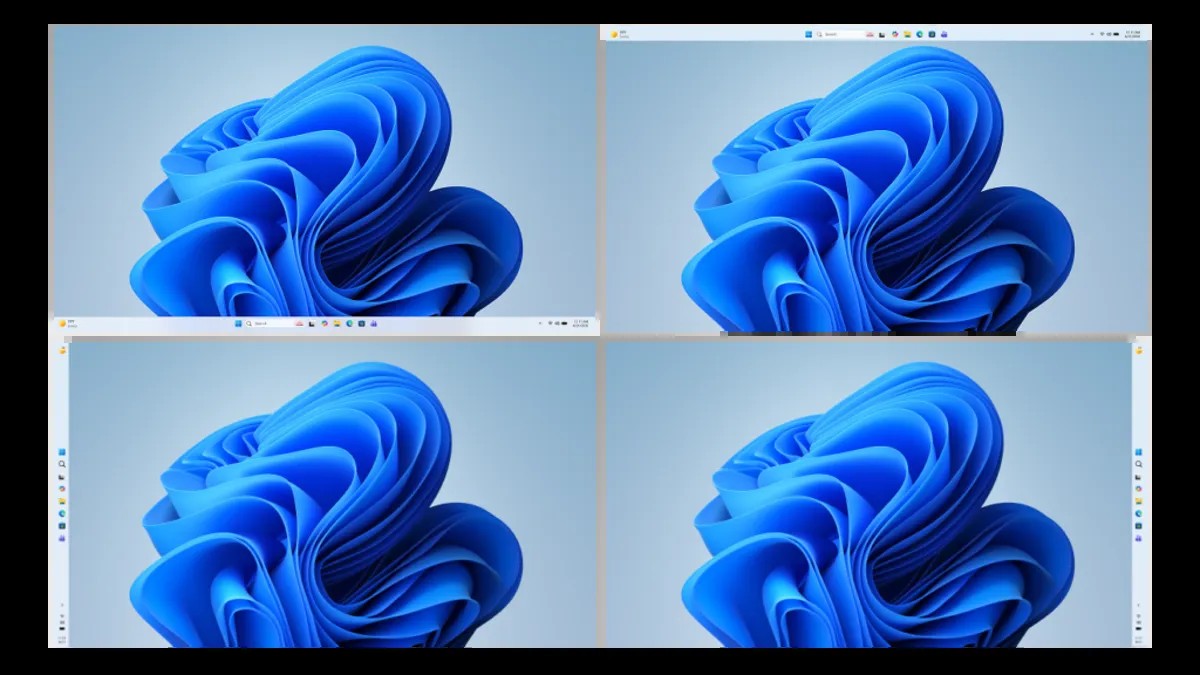
Microsoft is preparing a series of updates aimed at making Windows faster, less intrusive, and more reliable. Announced Friday in the Windows Insider Blog, the changes target core usability issues that have long frustrated users, including excessive memory usage, forced updates, and disruptive notifications.
Streamlining Updates and Reducing Interruptions
One key focus is making Windows Update less disruptive. Microsoft will now allow longer pauses on updates, add more predictable scheduling, and prevent unexpected forced installs. Users will also have the option to skip updates during initial device setup – a small but welcome change for new users. The company acknowledges that forced restarts and constant notifications have been a major pain point, and these updates directly address those concerns.
Improving Performance and Resource Management
The updates also prioritize performance improvements. Microsoft is working to reduce the operating system’s memory footprint, freeing up resources for running applications. This is particularly important as hardware upgrades, especially RAM, remain expensive for many users. The company also promises faster and more stable Bluetooth and USB connections, fewer crashes, and more consistent wake-from-sleep functionality. These changes aim to make Windows feel snappier and more responsive, especially on older or lower-end hardware.
Copilot and Widgets: A More Intentional Approach
Microsoft is refining the integration of Copilot (its AI assistant) and widgets to make them less intrusive. The goal is to ensure these features are genuinely useful rather than disruptive. Widgets will now provide information more concisely, with increased personalization options and easier ways to turn them off entirely. This shift acknowledges that many users find constant notifications and pop-ups annoying.
Enhanced User Experience for All Devices
The updates include improvements for handheld devices like gaming handhelds. Support for controller-based navigation during setup and in settings will make these devices feel more like dedicated gaming machines. File Explorer is also getting a performance boost, ensuring faster and smoother operation.
These updates demonstrate a broader shift toward user control and performance optimization, recognizing that modern users expect a seamless and efficient operating system.
The changes, rolling out to Windows Insiders in the coming months, signal Microsoft’s commitment to addressing long-standing usability concerns. The combination of reduced interruptions, improved performance, and more intentional feature integration should result in a more polished and user-friendly Windows experience.