


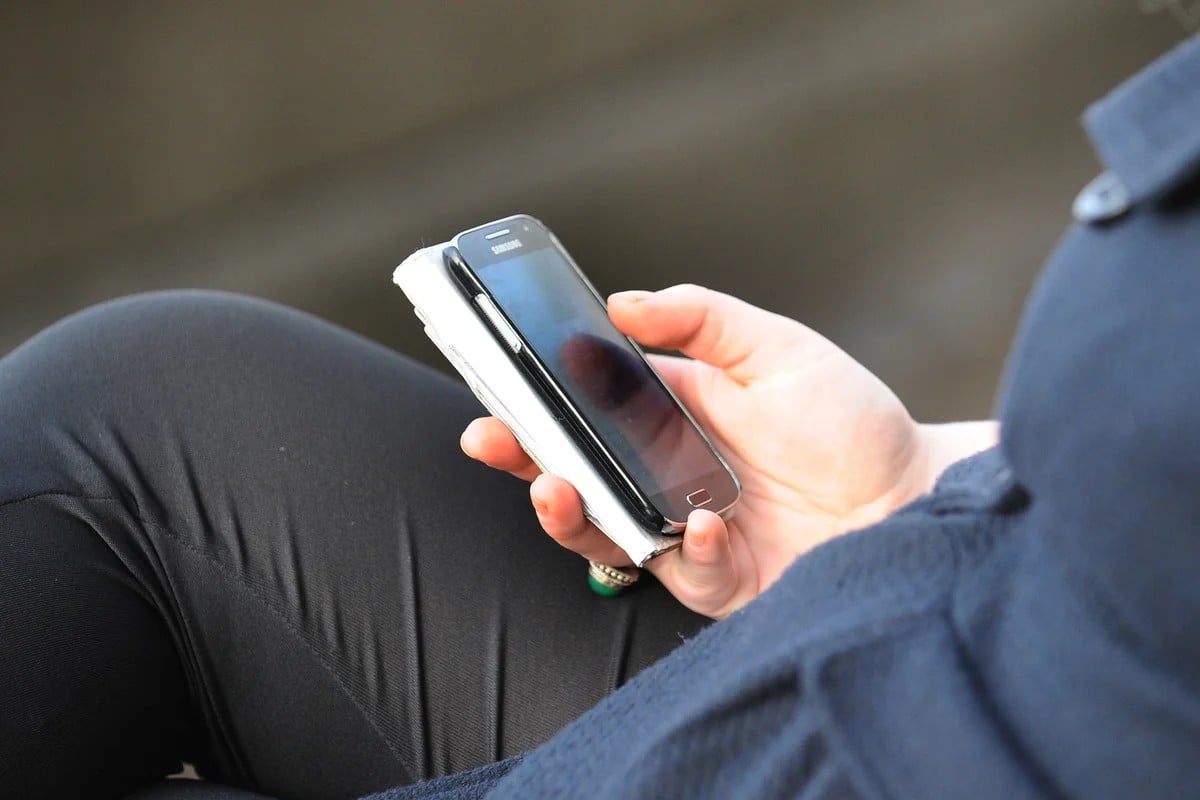
Samsung is officially phasing out its proprietary texting application, Samsung Messages, moving its user base toward Google Messages. According to an end-of-service notice on Samsung’s U.S. support website, the transition is set to be finalized this July.
This move signals a deeper integration between Samsung hardware and Google’s software ecosystem, effectively consolidating the Android messaging experience under a single standard.
The Transition: How to Switch
To ensure a seamless experience, Samsung is directing Galaxy users to adopt Google Messages as their primary communication tool. For those currently using the Samsung app, the transition involves two main steps:
1. Download: Install the Google Messages app from the Google Play Store (if not already present).
2. Set as Default: Designate Google Messages as the default SMS/MMS application in the device settings.
Users may also see in-app notifications within Samsung Messages specifically designed to guide them through this migration.
Why the Change Matters: AI and Better Interoperability
The shift is not merely a change in interface; it is a strategic move to provide users with more advanced features that Samsung’s standalone app could not easily support. By moving to Google Messages, users gain access to:
- Advanced AI Integration: Users can leverage Google’s Gemini AI, which includes experimental features like “Remix” for generating images within chats and intelligent, AI-powered reply suggestions.
- Improved Cross-Platform Communication: One of the most significant benefits is the enhanced use of RCS (Rich Communication Services). This allows for higher-quality photo and video sharing between Android users and Apple iOS users, bridging a long-standing gap in mobile communication.
Who is Affected?
The impact of this discontinuation depends heavily on your device’s software version:
- Newer Devices: Owners of the latest Galaxy lineups (including the Galaxy S24 series and beyond) will notice that Samsung Messages is no longer available for download in the Galaxy Store.
- Older Devices: Users running Android 11 or older will not be impacted by this change, as their current messaging setup remains functional.
Pro Tip: To check your current version, go to Settings > Software Information > Android Version.
Looking Ahead
While the announcement specifically addresses the U.S. market, it remains unclear if Samsung will follow the same rollout strategy globally. However, the trend is clear: Samsung is increasingly leaning on Google’s software suite to power the core functionalities of its flagship hardware.
In summary, Samsung is retiring its native texting app this July to unify the Android experience through Google Messages, offering users better AI tools and improved messaging capabilities with iPhone users via RCS.