





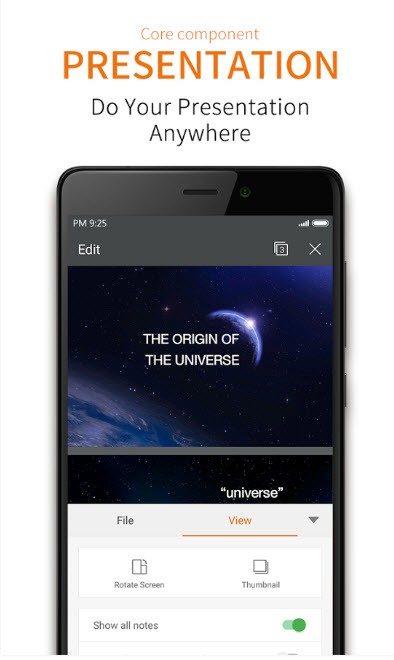
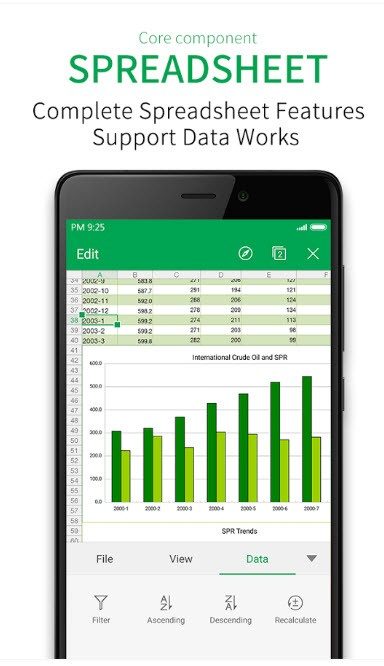
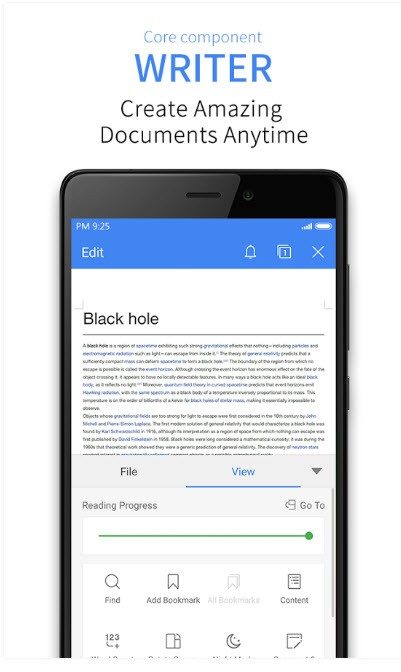
WPS Office is more than just a Microsoft Office clone. It’s a complete productivity suite built by Kingsoft, and it feels like the option you’ve been waiting for. Whether you’re a student cramming for an exam or a professional looking to cut costs, this tool covers the basics without becoming overwhelming. It contains three main modules: Writer, Presentation and Spreadsheets. But that’s not all. You get an integrated PDF reader, tabbed document manager and advanced conversion tools. It’s designed to make everyday tasks easier, not harder.
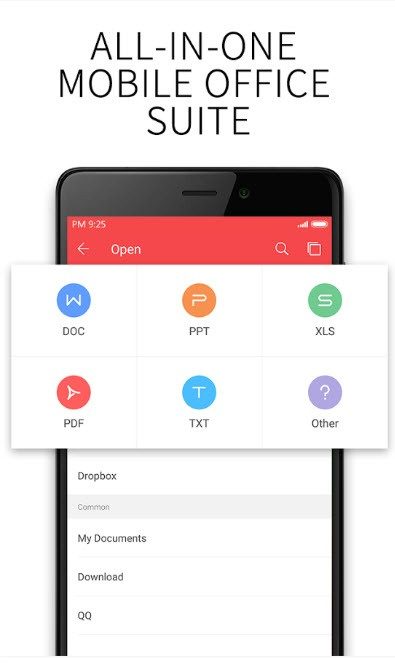
The user interface is very modern. If you have used other office packages, you will feel familiar. This means that the learning curve is almost non-existent. The main advantage here is compatibility. WPS Office opens, edits and saves files in standard formats such as docx, xlsx and pptx. You can also easily handle PDF and TXT files. This is important because it allows you to switch between environments smoothly. If you share the file with a colleague who uses Microsoft Office, the file may open correctly.
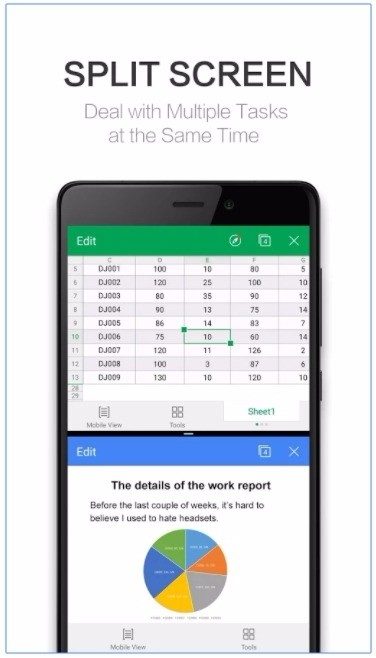
Using tabs to open multiple documents in a single window changes multitasking. You don’t have to juggle 10 separate icons on your taskbar. Just click on the tab. This is a small feature, but it reduces the cognitive load.
Why WPS Office is important for everyday users
Where this suite really shines is performance. It uses much less system resources than its heavier competitors. This makes it a viable option for older laptops and devices with limited memory. You don’t need high-end gaming hardware to run smoothly. If you have a 5-year-old office computer, you may find WPS Office faster than other options.
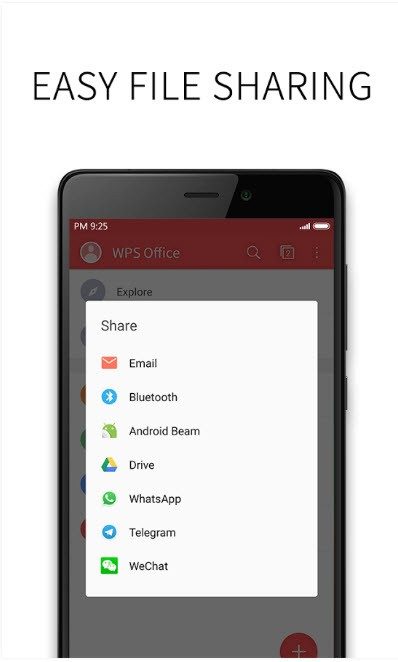
Cloud integration is also built in. Documents are automatically synchronized between devices. Save the file to your desktop and then to your tablet or phone. This cross-platform approach ensures a consistent experience. It works on Windows, macOS, Linux, Android, and iOS. You can also use the web version directly from the browser. No installation required. This flexibility is critical for people who switch between work, home and mobile environments.
Download and install WPS Office safely
Getting started is very easy. For added security, you can download the software from Kingsoft’s official website or from trusted third-party portals such as Futura Sciences. This site will guide you to the correct version for your operating system.
The platform support is extensive. Windows users can install it on versions 7, 8, 8.1, 10 and 11. macOS users get a native user experience that respects Apple’s design language. Linux users aren’t excluded either, and it’s compatible with popular distributions like Ubuntu and Fedora. For mobile users, the apps are lightweight and are available on the App Store and Google Play. You will receive regular updates that add features and fix bugs.
The installation is guided step by step. In Windows, you can choose the installation location and decide whether to add a desktop shortcut. It’s very simple. Nothing is forced. The Mac version follows a similar logic and adapts to the ecosystem you already use.
Comparison of WPS Office and traditional office packages
The real advantage here is flexibility. Most traditional office suites lock users into the ecosystem. WPS Office breaks this mold. You can use a hybrid setup that includes Windows, Mac and mobile devices without any compatibility issues. The web version adds another layer of convenience. If you’re in a library or shared workspace and can’t install software, sign in using your browser. The file is there.
This adaptability makes it a universal solution. Respond to user needs rather than forcing users to adapt to software. This cross-platform consistency is invaluable for professionals managing complex documents and students juggling multiple tasks. It removes the friction of switching devices. Focus on the job, not the tools.
However, the free version displays ads. Some users find it annoying. Others see this powerful free suite as the price of admission. It’s a trade-off. A powerful set of features is available for free, but advertising banners may appear. Whether this is acceptable depends on your tolerance for ad-supported software. For many people, the performance benefits outweigh the hassle.
The question is not whether WPS Office works. It clearly does. The question is: Are you willing to give up brand loyalty for a tool that works better on a particular piece of hardware?
WPS Office price range and student options
WPS Office does not hide behind a paywall to serve your basic needs. The free version is generous. Provides word processing, spreadsheet and presentation tools. A PDF conversion and annotations are also included. Most of your daily office tasks can be completed without a cent.
However, there is an upper limit. Deep PDF editing?Remove watermarks?Advanced collaboration tools?Those live behind the premium tier.
Costs for individuals vary depending on the license period. A monthly or annual subscription gives you access to all features. Multi-device licenses enable migration between systems. Universities often negotiate special prices. Students can get a discounted “student license”. This makes the series much cheaper for students.
Businesses get a different path. Professional products include centralized license management. Built-in collaboration features. Large-scale deployment is simplified. Developer Kingsoft Software updates regularly. Advise users to check license compatibility when downloading older versions. These legacy versions exist to maintain stability in older IT environments. You can force the update from the Help menu or from the official website. Security fixes and new features are released continuously. This transparency helps you choose a plan that fits your budget.
Comparison of WPS Office with Microsoft Office and LibreOffice
The user interface is familiar. It mimics Microsoft Office. This is no accident. It shortens the learning curve for users who are already familiar with the Microsoft ecosystem.
However, WPS Office is not just an imitation. It’s lighter. It can handle a wider variety of file formats. The free basic version costs nothing. The combination of performance and accessibility is unmatched.
Compare it to LibreOffice or OnlyOffice. WPS Office wins in design. The user interface is smoother. The mobile experience is even more refined. However, desktop features are not lost. PDF support has been improved. Cloud integration is deeper. Conversions are easier. It’s a more versatile package for most users.
Training and support resources
入门不需要学位。 官方文档很丰富。 提供视频教程。 实用指南位于编辑的网站上。 第三方平台提供额外帮助。
论坛提供安全网。 英语和法语社区分享技巧。 您可以解决技术问题。 您可以学习更好地使用功能的技巧。
高级用户可以寻求认证。 存在在线培训计划。 有些模块是免费的。 其他人则获得报酬并获得认证。 它们的范围从基本的文字处理到高级的电子表格分析。 还涵盖了交互式演示文稿的创建。
可通过官方网站获得技术支持。 它处理安装问题。 兼容性问题得到解决。 高级功能问题受到特别关注。 这种支持结构建立了可信度。 这不仅仅是软件。 这是一个有支持的生态系统。
问题仍然是免费版本的限制是否最终会迫使用户进行转换。 或者设备之间的无缝转换是否可以保持用户的忠诚度。 对于许多人来说,便利大于成本。
WPS Office system requirements: What you need to know
Before you click download, you should check if the kit really fits your setup. WPS Office is more than just a stand-alone application. It’s a multi-platform beast with time-tested components. This architecture is flexible enough to handle desktop installations, mobile use, or purely browser-based use.
The goal here is simple. Check compatibility before committing. Whether you’re bringing this functionality to a university lab, small business, or personal laptop, the specs determine how smooth the experience will be. Operating system support, file format handling, license models and cloud connection options must be confirmed in advance.
Core architecture and supported operating systems
This software is developed by Kingsoft Office Software Co., Ltd., a company with great influence in the business field. It falls neatly into the Bureautique** (office suite) category, but the label only scratches the surface of its features.
Strong technical foundation. Supports 32-bit and 64-bit architecture depending on the operating system. This is more than just a checkbox. This is important for the performance of older machines compared to modern workstations.
Supports a wide range of platforms:
* Windows: 7, 8, 8.1, 10, 11.
* macOS: Current and previous major versions.
* Linux: Various distributions are supported.
* Mobile devices: Android and iOS (iPhone/iPad).
* Web: Browser-based access. No need to install locally.
This breadth means we are not locked into one ecosystem. When switching from Windows PC to iPad, the transition is handled by the underlying cross-platform design.
File format and module specification
What’s inside the box? Four main modules guide the experience.
1. Writer: Word processing.
2. Spreadsheets: Data analysis and tables.
3. Presentation: Slides.
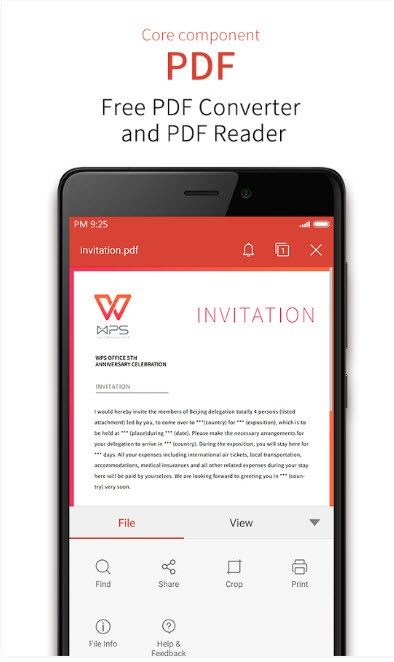
4. PDF Tools: View and edit.
The compatibility list is the most useful place to start. WPS Office handles critical content such as DOC/DOCX, XLS/XLSX, PPT/PPTX. But that’s not all. It also supports PDF, TXT, CSV, RTF and popular open formats. If you’re moving from OpenOffice or LibreOffice, the bridge is wide enough to keep your data intact.
Compatibility is important. If your workflow is based on an obscure old format, check the specific release information. However, it offers comprehensive coverage of standard office tasks.
License and license model
This is a freemium product. Core features are available for free, but premium features require a subscription or one-time purchase. This model lowers the barrier to entry and allows users to test the waters before paying.
Installation methods vary according to your needs.
* Desktop: Standard installer for Windows, macOS and Linux.
* Mobile: Available from the App Store.
* Network: Enables quick editing without installation rights.
For organizations, this flexibility simplifies deployment. IT administrators can push the desktop client and remote users can access it through their browser without having to wait for IT support to install the software.
Offline access and cloud synchronization
Does it need internet to work? No. Core applications work completely offline. This is an important distinction for users in areas with poor connectivity or who prioritize data protection by storing files locally.
However, connection is required in the following cases:
* Software updates.
* Cloud synchronization service.
* Collaboration features.
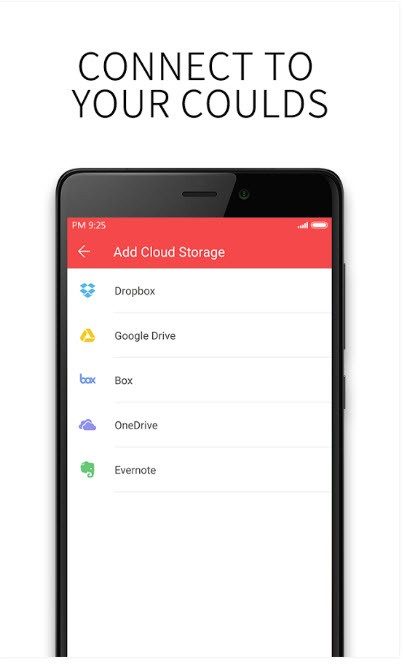
The editor offers cloud integration and multi-device synchronization. This means that any document you open on your desktop will be available on your phone as long as you’re signed in to the same account. The synchronization mechanism is Kingsoft’s own, so it doesn’t directly replace Dropbox or OneDrive, but the basic purpose is the same.
Collaboration and security features
WPS Office provides standard collaboration tools when multiple people need to touch a document. Comments, track changes, **co-editing
The Architecture of Trust
I can’t see the ledger. You won’t see a node hashing a block into the void. Only balance updates are shown. But behind that simple green checkmark is a cryptographic handshake that has replaced the bank teller. This is where layers of abstraction meet metal.
The central mechanism is the consensus protocol. This is a rule book that prevents anyone from spending money they don’t have. In Bitcoin this is proof of work. Burn electricity to solve puzzles. The winner gets to write the next page of the book. It’s very slow. Very expensive. But it’s safe because attacking it would require more energy than the entire world’s power grid.
Ethereum has changed the rules of the game. Proof of contribution has been implemented. Currently, validators use their own ETH to secure transactions. If they lie, they lose their shares. This is called “slashing”. It’s economically rational to be honest. The transition from PoW to PoS, known as “The Merge”, has reduced Ethereum’s energy consumption by 99.9%. This is not a minor update. This is a paradigm shift.
Why This Matters to Your Wallet
これらの契約は開発者のみを対象としていると思われるかもしれません。 そうではありません。 彼らは送金手数料を10ドルと決めた。 コーヒーの代金を支払うまでの待ち時間が決まります。
スケーラビリティ は究極の目標です。 ビットコインは 1 秒あたり約 7 件のトランザクションを処理できます。 ビザは24,000です。そのギャップは大きい。 レイヤー 2 ソリューション が存在するのはそのためです。 恣意的 と楽観的 は要約です。 彼らは何千ものオフチェーントランザクションをまとめて、その概要をメインのイーサリアムチェーンに公開します。 イーサリアムのセキュリティと一元化されたデータベースの速度が得られます。
しかし、トレードオフもあります。 あなたは自分のシーケンサーを信頼しています。 そのシーケンサーが故障すると、大変なことになります。 これは分散化と実用性の間の妥協点です。
The Smart Contract Trap
A smart contract is code. They execute automatically. No humans. There are no lawyers. Just logic.
“Code is law.”
That’s the mantra. This is also a problem. In 2016 DAO was hacked and $60 million was lost. The code was flawed. The community had to hard-fork Ethereum to reverse the theft. It proved that code isn’t infallible. Humans are still in the loop, mostly to fix mistakes.
Currently, DeFi (decentralized finance) is managed based on these contracts. You can lend, borrow, and trade without a bank. But the risks are different. You are your own bank. If you lose your private key, you lose your money. Forever. No customer service. No password reset. Just digital silence.
The Interoperability Illusion
Bridges connect different blockchains. This allows you to transfer funds from Bitcoin to Ethereum. They are complicated. They’re vulnerable.
Most bridges are multi-signature wallets or light clients. If the multi-signature key is compromised, the bridge drains. This happened repeatedly. The Ronin Network used by Axie Infinity was hacked, resulting in a loss of $600 million. This breach was through a social engineering breach rather than a code breach. But the result is the same. The money went out the door.
Inter-Chain Communication Protocols and more