




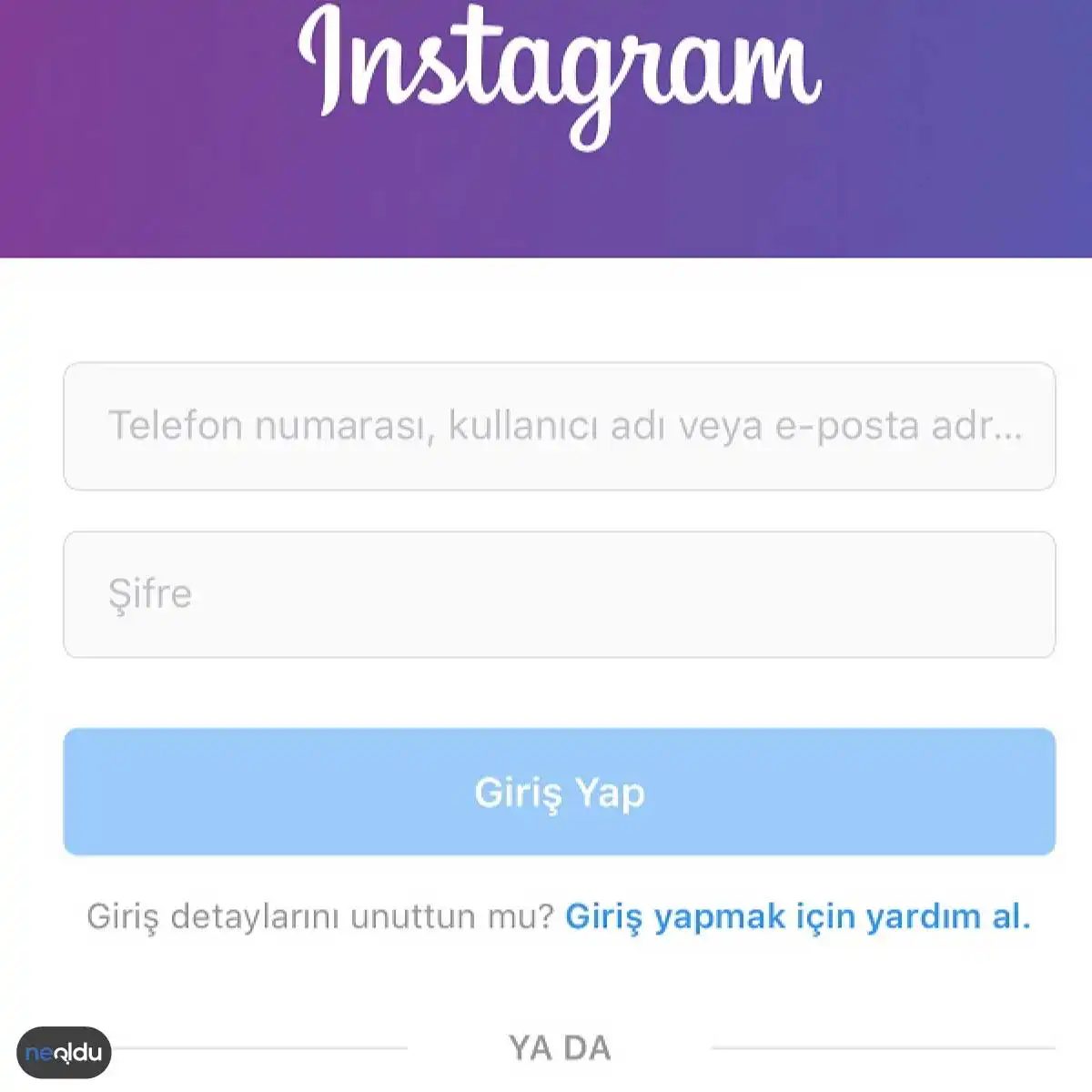
Let’s be honest. You open the app. You want to check your feed. You hit login. And nothing happens. Or worse, it asks for a code you don’t have. It is annoying. We have all been there.
Instagram is the visual playground of the internet. Millions upload photos. Millions scroll. But getting inside the gate can feel like solving a puzzle when you are new. Or if you haven’t logged in for six months. This guide cuts through the noise. It shows you exactly how to get back into your account without the headache.
The Basics of Logging In
If you have an account, the process is simple. It is almost too simple. Here is the checklist.
- Open the app. Or go to the website. If you are on mobile, you need to install it first. It is on both the App Store and Google Play.
- Find the login screen. You will see it immediately. No hiding it.
- Enter your username. This is the handle you chose. Or the email address you used to sign up.
- Enter your password. Type it carefully. Caps lock is the enemy.
- Hit “Log In.” Done.
“If you can remember your username and password, you are already halfway there.”
What If You Are Stuck?
This is where it gets tricky. The steps above assume you still have your credentials. What if you forgot them? Or what if the app crashes on the login screen?
Most people ask this: How to fix Instagram login issues when you can’t access your account?
You need to reset. Instagram has a “Forgot Password” link. It is right there below the password field. Click it. Enter your username, email, or phone number. You will get a link or a code. Use it.
But here is the catch. You must have registered with a working email or phone number to start with. If you signed up with a burner email you deleted three years ago, you are in trouble. You will have to contact support. It is a slow process. Do not expect instant replies.
Why Does This Matter?
It is not just about seeing cat videos. Instagram is a hub. It is where brands talk. It is where artists show their work. It is where friends share life updates. Being locked out means you are disconnected. From trends. From conversations. From your own digital footprint.
Alternative Ways to Get In
You do not have to use the app. You can use a browser.
- Go to instagram.com.
- Click “Log in.”
- Enter your details.
It works the same way. Sometimes the browser is more forgiving than the app if there is a glitch.
Security Check
Once you are in, check your security. Instagram has been cracking down on bots and spam. If you suddenly get a “suspicious login attempt” email, change your password immediately. Enable two-factor authentication. It adds a layer of protection. Your phone gets a code. You type it in. Done.
The Bottom Line
Logging into Instagram should be effortless. If it is not, you likely have a password issue or a forgotten username. Use the recovery tools. They are designed for this. Keep
Logging into Instagram: The First Step
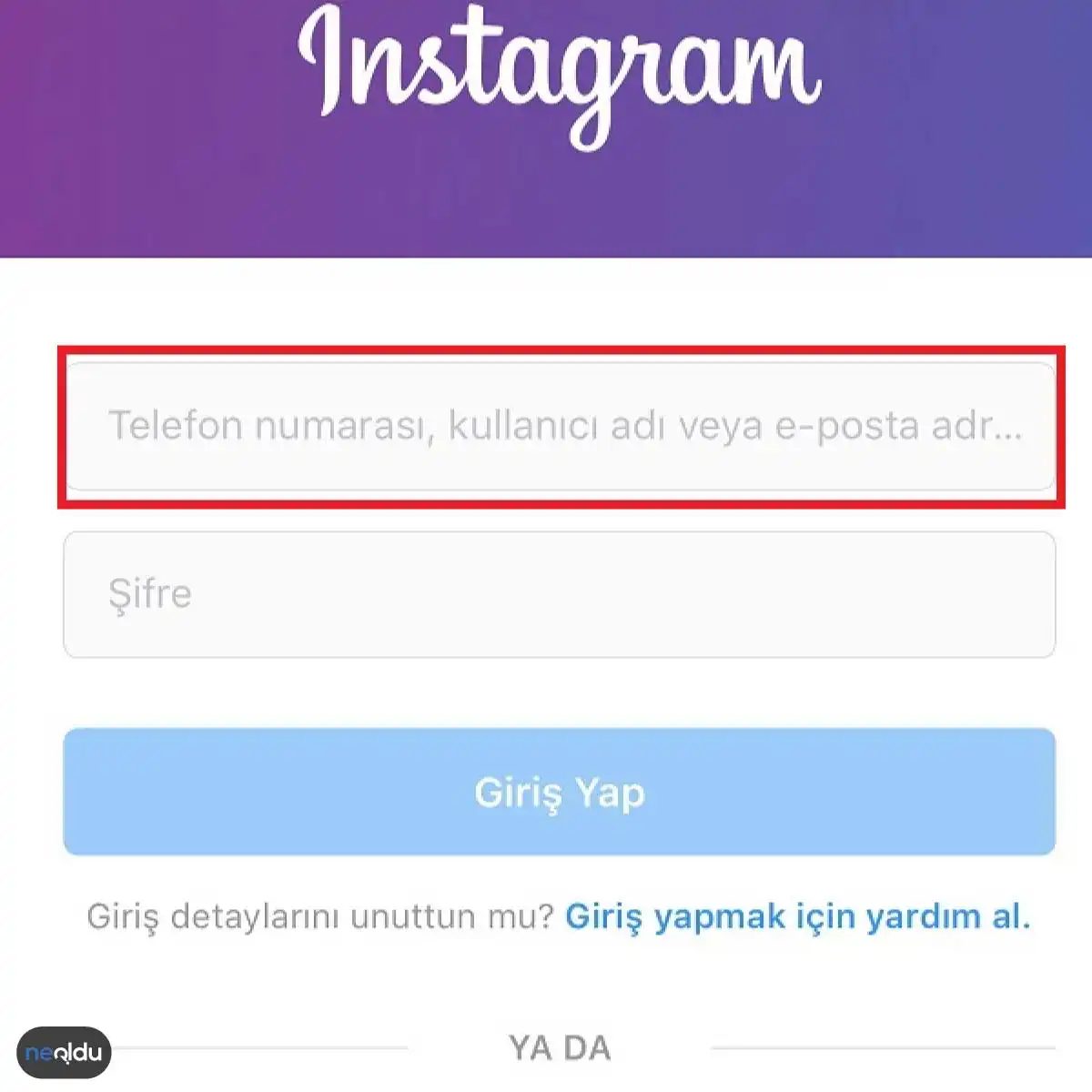
Once you’ve downloaded the Instagram app to your mobile device, the next move is straightforward. Launch it. You’ll be greeted by the login screen, a familiar interface for regular users but a gateway for new ones.
The first field on this screen is where the action starts. Look for the primary input box, often visually distinct or positioned at the top. This is where you enter your credentials. You aren’t limited to just one type of identifier. You can use your phone number. You can use your username. Or you can use the email address linked to the account.
Enter either your phone number, username, or registered email address in the first field to initiate the login sequence.
Why does this matter? It reduces friction. Users don’t need to memorize a unique username if they’re already tied to their phone number—a practice that’s become standard across social platforms. For account recovery and security, linking multiple identifiers ensures you can always find your way back in, even if you change devices or forget which handle you used years ago.
This step is simple, but it’s the foundation. Get it wrong, and the rest of the process stalls. Get it right, and you’re one tap away from your feed.
Instagram’da Şifre Doğrulaması
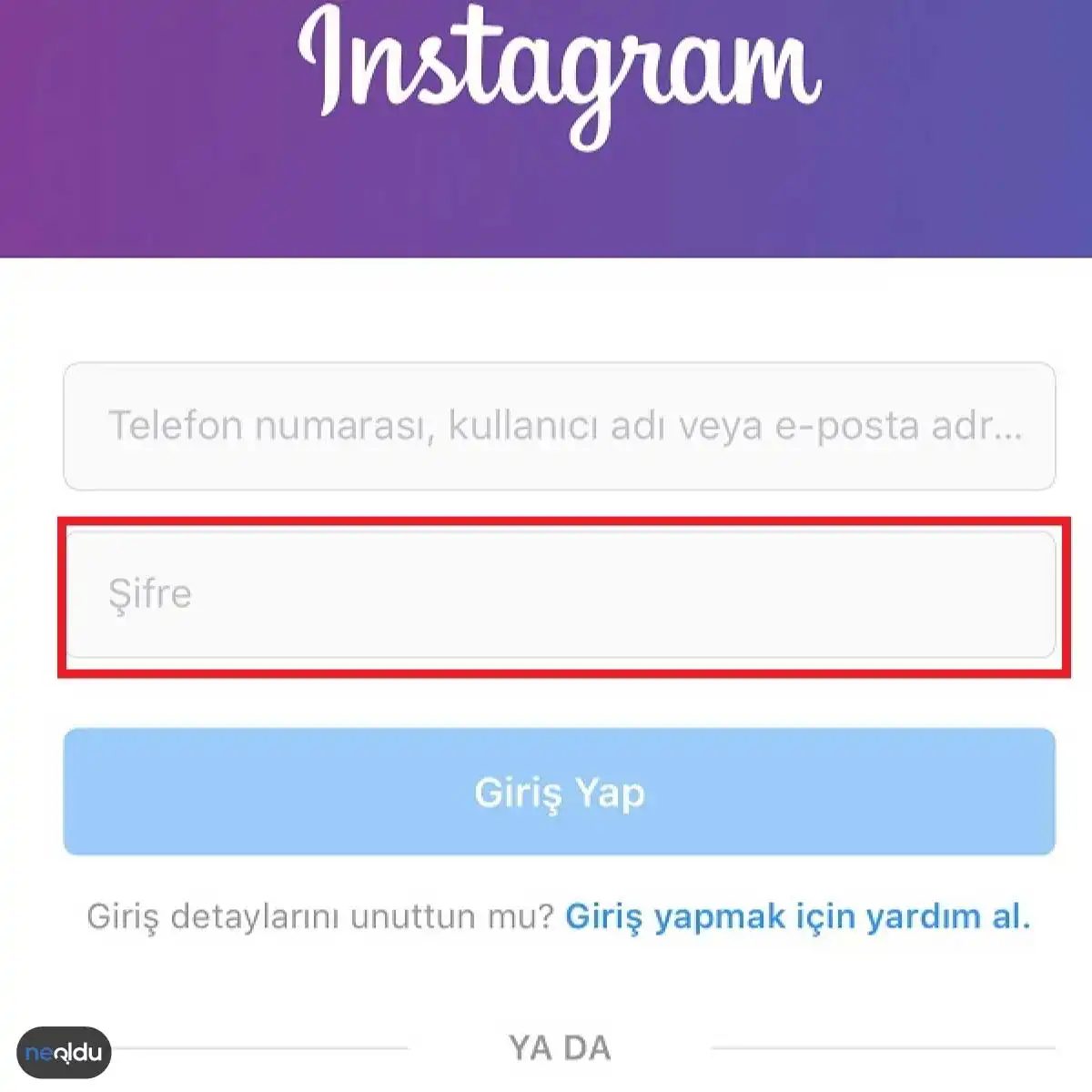
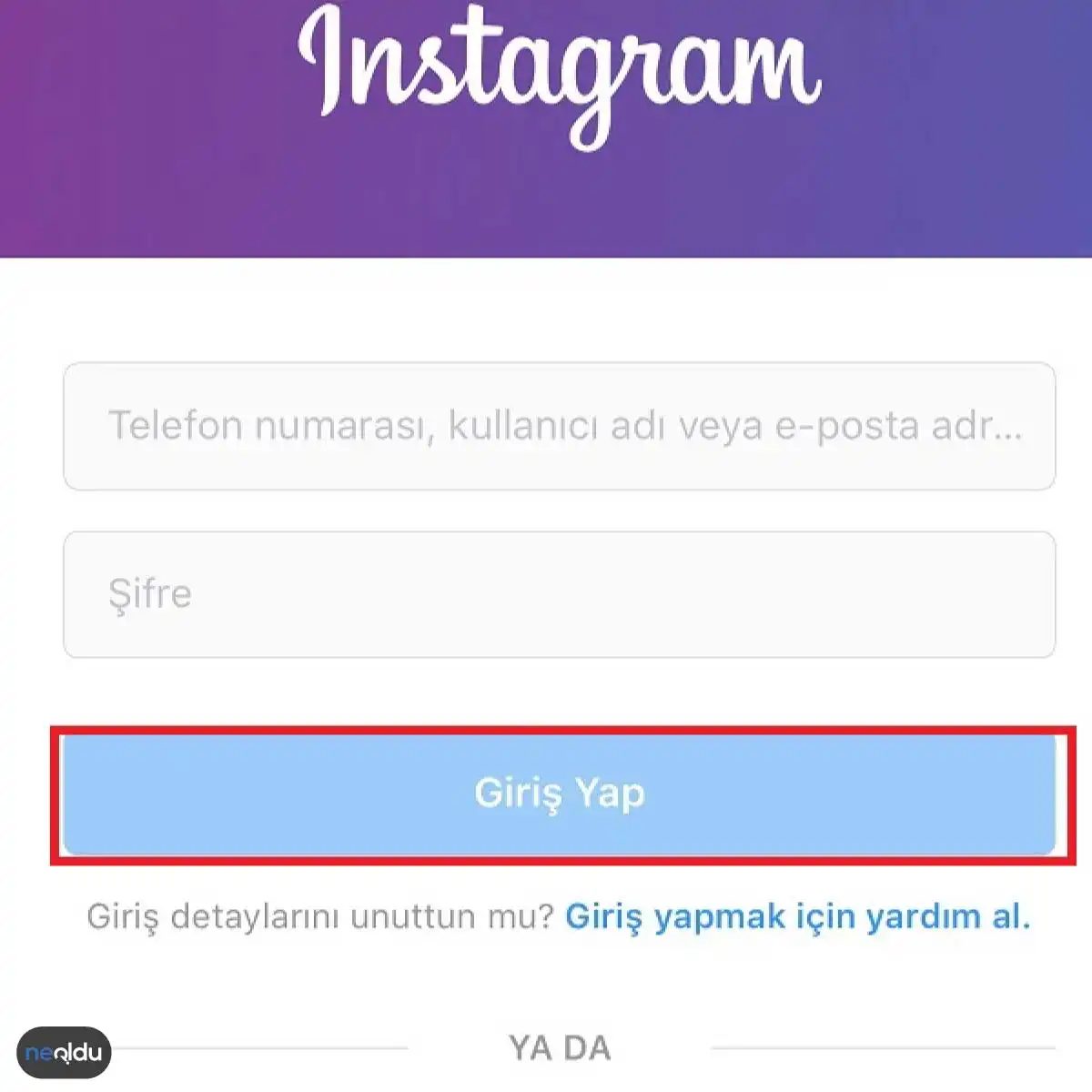
Şifrenizi hatırladığınızı varsayarak işleme devam edelim. Instagram kayıt ekranında şifre kısmına kendi belirlediğiniz kodu yazın. Ardından ekranda beliren “Giriş Yap” butonuna dokunun. Sistem sizi doğrularsa ana panele yönlendireceksiniz.
Ancak bu basit görünüşün arkasında büyük bir soru yatıyor. Peki, tam olarak neyle karşı karşıyasınız?
İnstagram Nedir?
Instagram, Meta platformlarına ait bir sosyal medya hizmetidir. Aslında bir fotoğraf paylaşım uygulaması olarak başladı. Zamanla bu yapı değişti. Artık video, hikaye ve doğrudan mesajlaşma gibi çok daha geniş bir ekosistemi barındırıyor.
İşte temel işleyişi ve neden bu kadar yaygın olduğu:
- Görsel Odaklılık: Metin yerine görsel hikayeler anlatmayı tercih eder. Bu, kullanımını küresel çapta kolaylaştırır. Dil bariyeri neredeyse yoktur.
- Etkileşim: Beğeni, yorum ve paylaşım gibi etkileşim türleri üzerinden topluluklar oluşturur.
- Keşfet Algoritması: Kullanıcının ilgisine göre içeriği kişiselleştirir. Bu da uzun süre uygulamada kalma oranını artırır.
Neden bu kadar kritik? Çünkü markalar, sanatçılar ve bireyler için ana iletişim kanallarından biri haline geldi. Kullanıcılar sadece arkadaşlarıyla bağlantı kurmakla kalmıyor, aynı zamanda ürünleri keşfediyor ve dijital kimliklerini inşa ediyorlar.
Yani şifreyi girip giriş yaptığınızda, aslında görsel bir internet kütüphanesine adım atmış oluyorsunuz. Ve o kapıdan girdiğinizde, her kaydırmada yeni bir dünya açılıyor.
The Visual Engine: Why Instagram Dominates
It started as a way to share photos with filters. Now, it’s a cultural heavyweight. Instagram, owned by Meta (formerly Facebook), isn’t just an app. It’s a visual archive of human experience. Users upload images and videos. They like them. They comment. They follow. The core mechanic is simple: post, engage, repeat.
But the real magic—the hook—is the editing suite. Instagram gave everyone a professional-grade aesthetic toolkit before anyone else really did. Filters. Adjustment sliders. Creative effects. It allowed users to curate their lives, not just document them. To make reality look better. Sharper. Brighter.
This ease of creation lowered the barrier to entry. You didn’t need a DSLR camera. You just needed a smartphone and an eye for composition.
Business on a Visual Platform
For brands, Instagram isn’t optional. It’s essential.
The platform offers a suite of tools designed for marketing. Businesses create accounts to build brand awareness. They showcase products through high-resolution imagery. Stories highlight behind-the-scenes moments. Reels capture attention with short-form video.
Why does this work for commerce?
Because buying decisions are increasingly visual. Users scroll. They see something they like. They click. They buy. Instagram bridges the gap between inspiration and transaction. It allows companies to connect with potential customers directly. It keeps existing clients engaged.
The feed becomes a storefront. The comments section becomes a customer service desk. The direct message becomes a sales channel.
The Psychology of Popularity
So why is Instagram so popular? It’s not just the features. It’s the psychology.
Humans are visual creatures. We process images faster than text. We crave validation. The “like” button provides a quick dopamine hit. It’s a measurable metric of social approval.
The algorithm feeds this loop. It shows you content similar to what you’ve engaged with before. It keeps you scrolling. It makes you feel connected.
For businesses, this means visibility. For users, it means connection. Or at least, the illusion of it.
The platform continues to evolve. Video takes precedence over static images. Authenticity battles with polish. But the core remains the same. It’s about sharing. It’s about seeing. It’s about being seen.
And the feed keeps moving.
Günümüzde sosyal medya devleri arasında en güçlü duran yer tartışmasız Instagram. Peki, neden diğerlerinden daha öne çıkıyor? Cevap basit. Görsel odaklı yapısı, akıcı arayüzü ve algoritma odaklı keşfet mekanizması, kullanıcıyı ekran başında tutmayı başarıyor.
Görsel İçeriklerin Hızlı Yayılımı
İnsan beyni görsel bilgiyi metne göre çok daha hızlı işler. Instagram bu gerçekliği stratejisine miras almış durumda. Kullanıcılar sadece fotoğraf yüklemiyor; hikayelerini anlatıyor. Bir manzara, bir kahve fincanı veya sevdiklerin anı… Tüm bunlar saniyeler içinde global ağlara yayılıyor. Bu platform, yaratıcılığı en az engelle sergilemeye imkân tanıyan nadir mecralardan biri.
Sezgisel ve Kullanıcı Dostu Arayüz
Teknoloji ne kadar karmaşıklaşursa artsın, Instagram’ın temel deneyimi şaşırtıcı derecede basit. Fotoğraf çek, filtrele, yükle. Tamam. Etkileşim de aynı mantıkla ilerliyor; beğen, yorum yap, paylaş. Herkesin anladığı bir dil. Bu sadelik, yeni kullanıcıların platforma adaptasyonunu hızlandırırken, mevcut kullanıcıları da daha fazla etkileşime davet ediyor. Karışık menüler yok. Sadece akış var.
Algoritma Tabanlı Keşfet Özelliği
Instagram’ın en büyük silahı belki de “Keşfet” sayfası. Burada ne aratırsan onu bulma şansın düşük. Aksine, sistem senin ilgi alanlarına göre seni sürükler. Beğendiğin fotoğraflar, takip ettiğin hesaplar ve duraksadığın videolar… Tüm bu veriler işlenerek sana özel bir keşif deneyimi sunulur. Bu kişiselleştirilmiş yaklaşım, kullanıcının platformda harcadığı süreyi artırmanın ötesinde, farklı içerik türleriyle tanışmasını sağlar.
Bağlantı Kurma Mekanizmaları
Sosyal medya sadece paylaşım yapmak için değil, bağ kurmak içindir. Instagram’da beğeniler ve yorumlar, küçük ama anlamlı etkileşimlerdir. Bu etkileşimler, arkadaşlık kiplerini canlı tutar. Ayrıca doğrudan mesajlaşma (DM) özelliği, daha samimi ve kapalı bir iletişim kanalı sunar. Arkadaşlarınla sadece paylaşımlara tepki vermekle kalmaz, özel sohbetlerinizde de birbirinizle bağlantıda kalırsınız.
Instagram’da Güçlü Şifre Nasıl Oluşturulur?
Popülerlik arttıkça, güvenlik riskleri de çoğalır. Hesabını korumak için basit ama etkili adımlar atmak gerekir.
- Karmaşık Karakterler Kullan: Şifreniz sadece rakam veya basit harflerden oluşmamalı. Büyük-küçük harf kombin
Dijital dünyada güvenlik bir lüks değil, bir zorunluluk. Instagram gibi devasa bir platformda milyonlarca hesap var. Ama maalesef insanlar hala basit şifreler kullanıyor. Bu hatı, hesabınızı tehlikeye atıyor. Peki, Instagram’da güçlü bir şifre nasıl oluşturulur? Cevap basit ama çoğu insan bunu yapmıyor.
Uzunluk ve karmaşıklık
Kural 1: Şifre ne kadar uzunsa o kadar iyi. Karmaşıklık da aynı. Büyük harf, küçük harf, rakam ve sembol karışımı kullanın. “P4$$w0rd” gibi tahmin edilebilir şifrelerden kaçının. Bunun yerine “h1*AvE~a9&” gibi rastgele görünüşlü bir yapı seçin. Kırılması saatler, hatta günler alabilir.
Kişisel veri gizliliği
Doğum tarihiniz, evcil hayvanınızın adı veya çocuklarınızın isimleri şifrenizde olmamalı. Bu bilgiler sosyal medyada açıkça ortada. Hackerlar bu verileri kolayca toplar. Kendi şifrenizi bilmez hale getirin. Tahmin edilmesi imkansız olmalı.
Tekil şifre kuralı
Tüm hesaplarınız için aynı şifreyi kullanmak büyük bir hata. Bir site sızılırsa, diğer hepsi de kapanır. Instagram hesabınız korumasız kalır. Benzersiz, farklı şifreler kullanın. Bu basit kural, zincirleme saldırıları engeller.
Şifre yöneticisi seçimi
Unutmamak için şifreleri kağıda yazmak da çözüm değil. Şifre yöneticileri bu sorunu çözer. Karmaşık şifreleri güvenli bir şekilde saklar. Tek bir ana şifre ile hepsine erişirsiniz. Bu araçlar, Instagram’da güçlü bir şifre nasıl oluşturulur sorusunun pratik cevabıdır.
İki faktörlü doğrulama (2FA)
Şifre yetmez. İkinci bir katman ekleyin. Instagram’da iki faktörlü kimlik doğrulama aktif edin. Giriş yaparken cep telefonunuza veya doğrulama uygulamasına kod gelir. Kodu girmezseniz hesabınıza giremezler. Bu, hesabınızı başkalarının elinden koruyan en etkili yöntemlerden biridir.
Dolandırıcılık bağlantıları
Şüpheli linklere tıklamayın. DM’lerdeki, biyografideki veya yorumlardaki şüpheli URL’ler tuzaştır. Tıklarsanız, hesabınız çalınabilir veya kişisel bilgileriniz ele geçirilebilir. Her linki kontrol edin. Güvenilir olmayan kaynaklardan uzak durun.
İnstagram Şifrenizi Unuttuysanız Ne Yapmalısınız?
Her şey olabilir. Şifrenizi unutursanız panik yapmayın. Instagram’ın resmi kurtarma akışını
Recovering a Forgotten Instagram Password
Losing access to your account is frustrating. The password is the only thing standing between you and your photos. When it slips your mind, Instagram provides specific pathways back in. You aren’t locked out permanently. The platform offers distinct methods to reset credentials depending on what contact info you have on file.
Using the Email Recovery Link
The most standard route starts with the “Forgot Password” link. This option triggers an automated email to the address linked to your profile. The message contains a secure reset link. Click it. You are immediately prompted to create a new password. This method relies entirely on having active access to that email account. If the inbox is cluttered or the email was entered incorrectly, this path fails.
SMS Code Verification for Phone Numbers
If you have a mobile number attached, the process shifts to your phone. Select “Forgot Password” again. This time, choose the option to receive an SMS code. Instagram sends a numeric verification code directly to your device. Enter this code into the app or website interface. You can then set a fresh password. This is faster than email if you carry your phone. It avoids the need to check multiple email clients.
Leveraging Facebook for Login
Many users link their Instagram profiles to Facebook. This creates a secondary login method. If you previously connected the two, you can bypass the traditional password entry. Click “Forgot Password” and select “Log in with Facebook.” Once authenticated through Facebook’s secure servers, Instagram allows you to set a new password for your account. This is useful if you have lost access to your original email but still have Facebook open.
Common Login Errors and Fixes
Errors happen. Reading the specific error message saves time. “Wrong password” means just that. Try again. Check for caps lock. Ensure your internet connection is stable. A weak signal can interrupt the verification process.
Forgotten Username
Not remembering your username is different from forgetting your password. Try logging in with your email address or phone number instead. These identifiers often work interchangeably with usernames. Scan your other social media profiles for clues. People often use the same handle across platforms. Check your email history for past Instagram notifications. They usually display your username.
Reactivating a Frozen Account
Sometimes the issue isn’t security. It’s a voluntary freeze. If you previously deactivated or froze your account, you need to reactivate it. Log in to your account. Check for any pending notifications accumulated during the freeze. Click the “Reactivate Account” button. This restores full access and settings.
Strengthening Account Security
Prevention is better than recovery. Create a complex, unique password. Avoid common words. Change it regularly. Enable two-factor authentication (2FA). This adds a layer of protection beyond just a password. Monitor login activity. If you see unknown locations, act immediately. Block suspicious users. Curate your content carefully. Security is an ongoing process, not a one-time setup.